
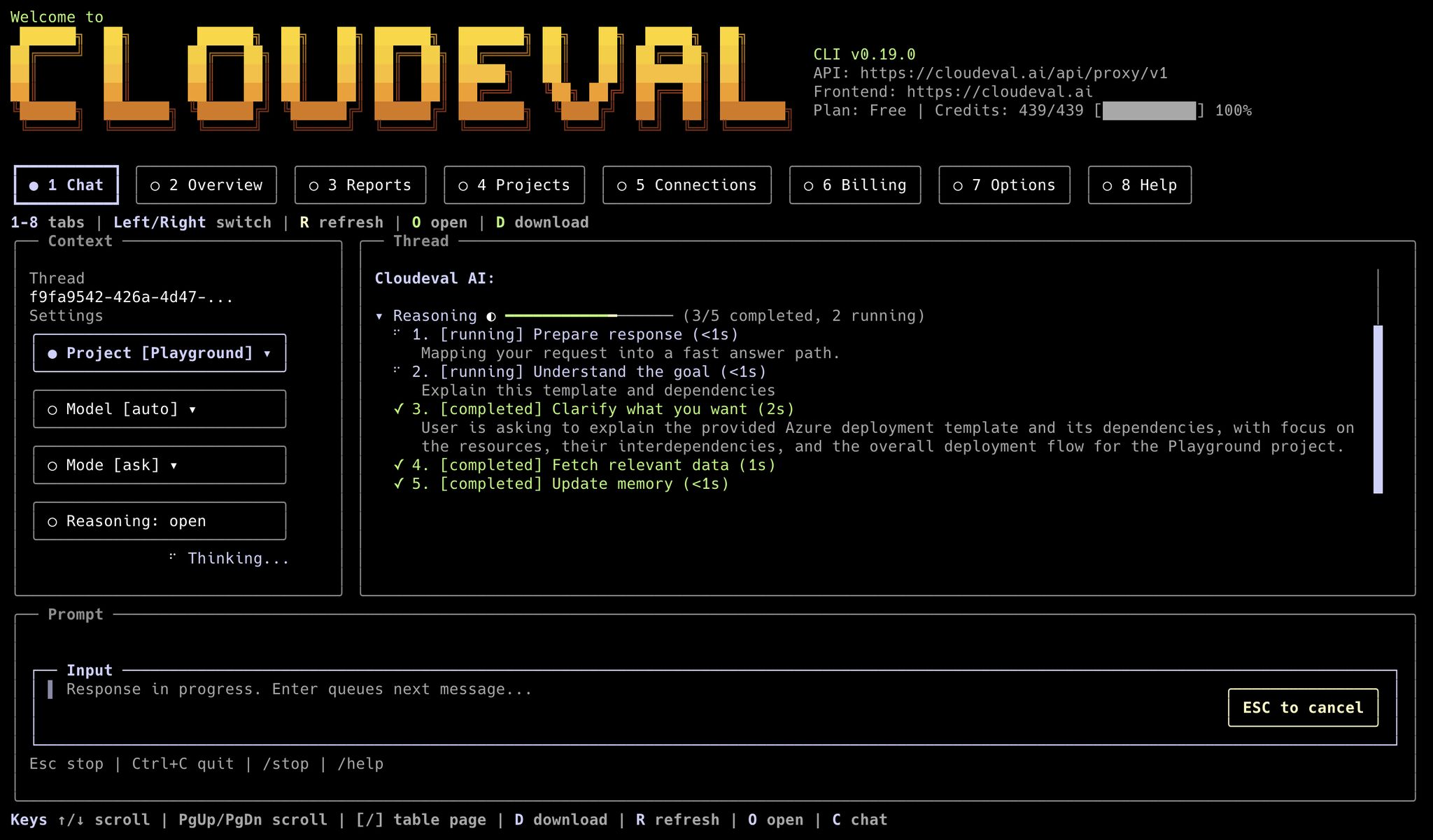
CloudEval automation can start in the terminal UI for interactive review, then switch to JSON commands for repeatable scripts and agents.
Before you automate
- Authenticate first with
cloudeval loginorcloudeval login --headless. - Run
cloudeval capabilities --format jsonbefore hard-coding commands in a new automation. - Run
cloudeval doctor --format jsonbefore relying on a local install in automation. - Run
cloudeval doctor --mcp --format jsonbefore wiring CloudEval into an MCP-compatible agent. - Prefer
--format json --non-interactive --profile <name> --print-url --no-openunless a workflow explicitly needs browser behavior.
Configure an automation profile
Profiles keep defaults isolated for agents, CI jobs, and environments:--base-url, --frontend-url, and --project only when your automation
must target a non-default CloudEval environment:
Import ARM JSON from a local file
Use--template-file when your pipeline already has an ARM template on disk.
This also works when an agent or previous step downloaded an Azure Quickstart
template into the workspace.
Import from an Azure Quickstart GitHub URL
Use--template-url when the source of truth should stay in GitHub. GitHub
blob and tree URLs are normalized to raw template content by the CLI before
the project is created.
Review a GitHub-backed project locally
Usecloudeval review after a CloudEval project has been created from a GitHub repository through the CloudEval GitHub App. The command resolves the current repository, branch, and HEAD commit, syncs that commit to CloudEval, waits for the sync/report refresh by default, includes Well-Architected, cost, and validation drill-downs, includes an AI-written review summary, and evaluates report gates from .cloudeval/config.yaml.
--ignore-dirty only for deliberate generated-file workflows.
When .cloudeval/config.yaml enables ci.review.outputs.pdf.enabled, the same --output directory also includes review.pdf and review.json records data.outputs.pdf.
Use --no-wait only when you want to submit the GitHub sync job and return
before reports finish. Use --no-ai-summary when local automation should write
only deterministic gate/report data. By default the AI summary runs in ask mode;
use --ai-summary-mode agent --ai-summary-profile architecture when you want the
same summary request routed through an Agent Profile.
Import a nested ARM workspace
Use--workspace-dir when the source folder contains a parent ARM template,
parameters, and linked child templates. Add .cloudeval/config.yaml at the
repository root when you want to pin the visualization source explicitly:
.cloudeval/config.yaml. If the config file is missing, the CLI creates one
using the selected entry file and detected parameters file.
Create a Cloud sync project
Use--cloud-sync when automation should create a project from the current
Azure inventory. The service principal should use the least-privilege role from
Azure Cloud sync permissions.
Capture project and connection IDs
The response includes the created project and connection objects. Persist the returned IDs instead of guessing or reconstructing them later:Compile Bicep, then import
CloudEval’s strongest IaC path today is ARM JSON. If your source of truth is Bicep, compile it first:Run a full evaluation
costwafarchitectureunit-testsall
--no-save-report when you want a transient run instead of saving the report snapshot.
Download report payloads for another system
Download all available saved report payloads for a project:--type allwrites multiple files when the output target is a directory.--viewsupportsraw,parsed, andformatted.--type architecturecurrently maps to the architecture or WAF-style payload for that project.
Ask a grounded question in a script
ask:
Manage model defaults
Usemodels list to see CloudEval-supported models, then set a profile default:
ask, chat, and tui use that profile model when --model
is not passed.
Run CloudEval as an MCP server
Use this when your automation platform already supports MCP and should call CloudEval tools directly.generic when your MCP client, including an Ollama-powered agent host,
accepts an mcpServers JSON entry.
Choose a focused toolset for tighter agent access:
mcp serveusesstdio- auth can come from stored
cloudeval login, storedcloudeval login --headless, or--machine - run login before starting
mcp serve; stdin is reserved for MCP messages - clients that support MCP resources and prompts can discover CloudEval capabilities, project context, billing summaries, latest reports, and review prompt templates
Generate exact app deeplinks
Open commands are useful when an automation should hand a human the next page to inspect. Project diagram:Where the web app still matters
The CLI does not replace every browser workflow.- Visual diagram inspection is still better in the web app.
- Editing existing connections and troubleshooting credential failures are still browser-oriented.
- Sharing and collaboration are easier to manage in the browser.